
The owner’s account portal is maintained by CAMP, our community’s management company. After you have created your account, read these tutorials to learn how to access all the benefits. Tutorials for Owner’s Portal
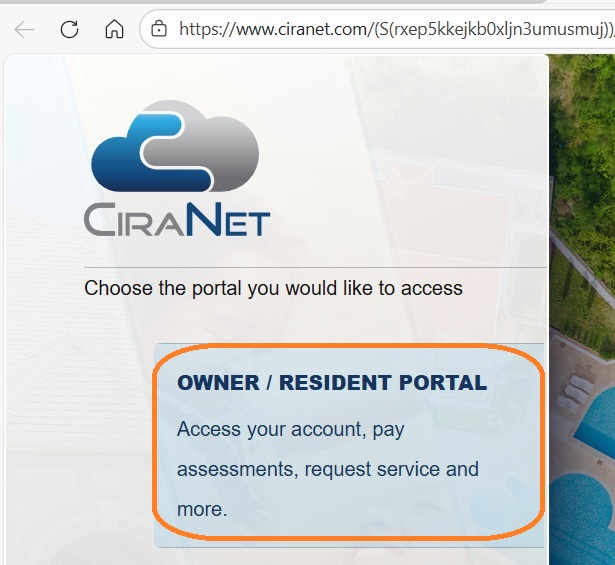
Go to www.gocampmgmt.com. Click on “Login” in the upper right corner and select “Resident Portal” and on the next page, “Owner/Resident Portal“.

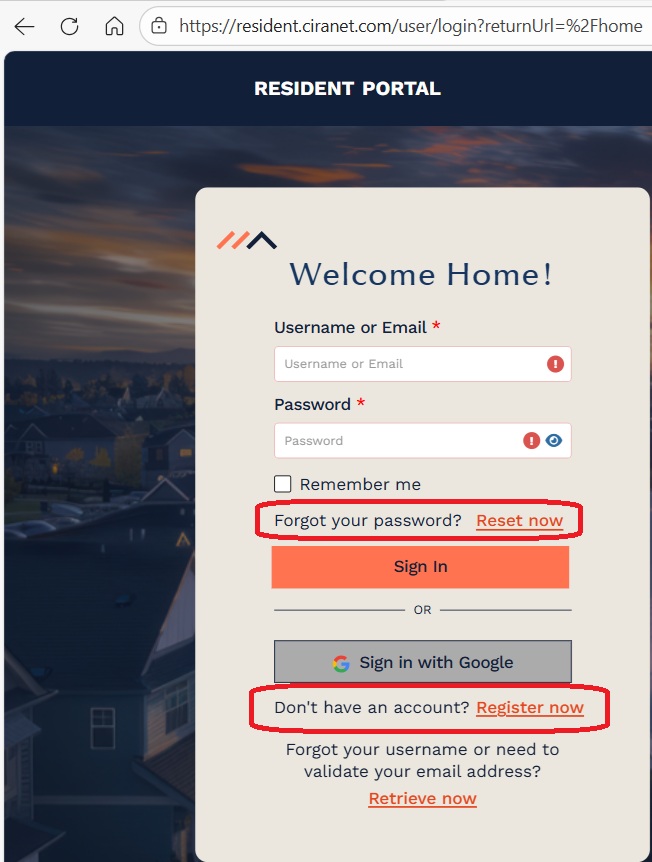
This will bring up a page where you can create a new account (“Don’t have an account?“) or reset your password (“Forgot your Password?“).
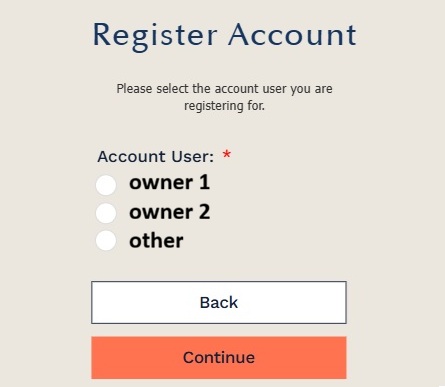
You will need your account number and check digit to set up an account, which you will find in your dues statement. If you no longer have your statement, email us and we can send it to you.
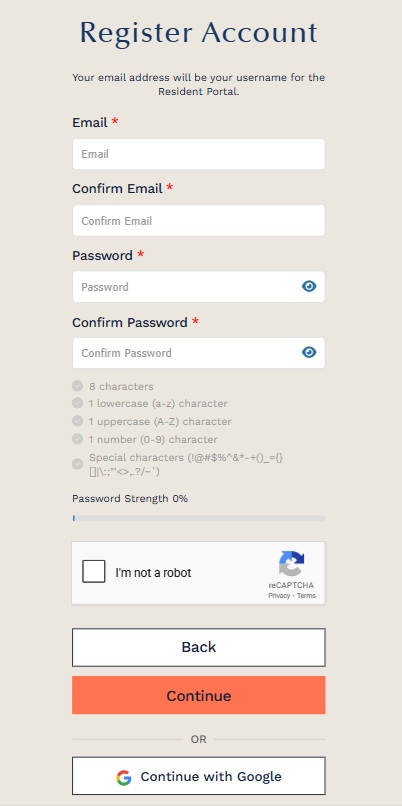
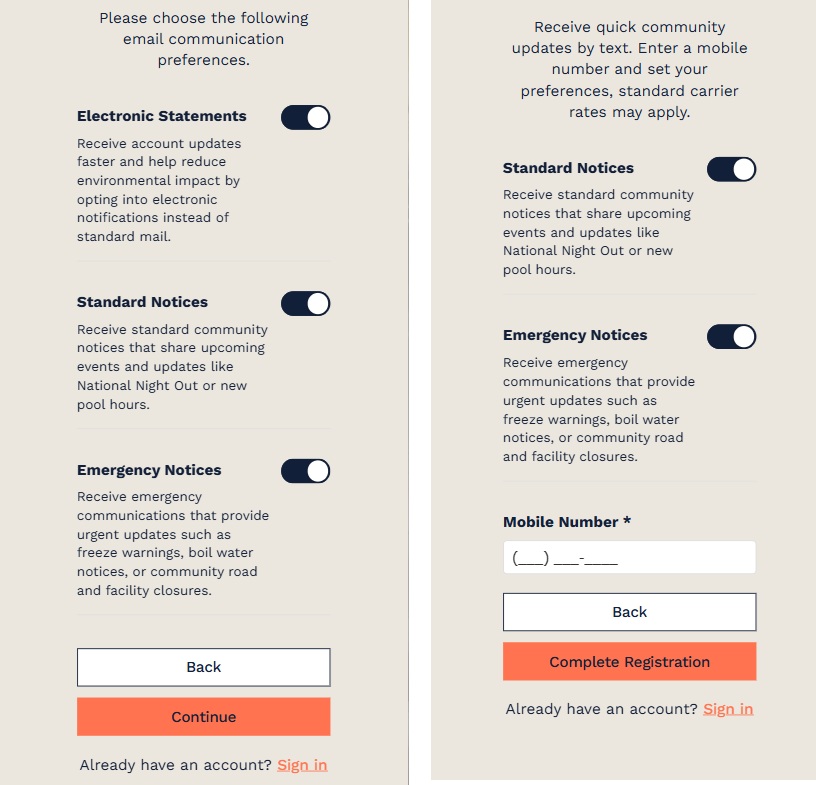
It is recommended that you select all three options for Email Communication Preferences. Management sends out important notices such as pool closures, weather related emergency information and other useful news. Chantilly Highlands does not utilize texting as a means of communications at this time, however, it is still important that management has your mobile number. Information submitted is held with strict privacy and is never sold.
If you select “Forgot Password”, you can request a reset link by entering your Username, which is the email address with which you originally set up the account. If you do not know the original email address, please contact us and we can look it up.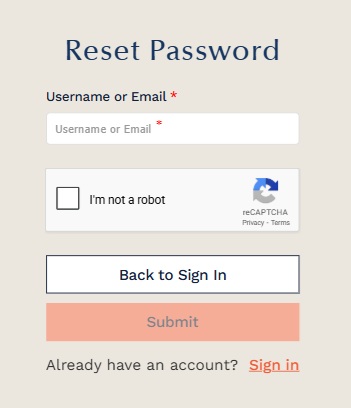
You will get an email from service@ciramail.com with a password reset link, which expires within a certain time limit. Please check your SPAM folder, or add this email address as a safe sender.
If you do NOT receive a reset password email, then the email you submitted is not registered. Contact us to find your original email login, if any.
Once you log in, change your password using the menu which pops up when you click on your name in the upper right corner.

Questions? Please email us at: chhaoffice@chha.org